Where can I see the last sync time?
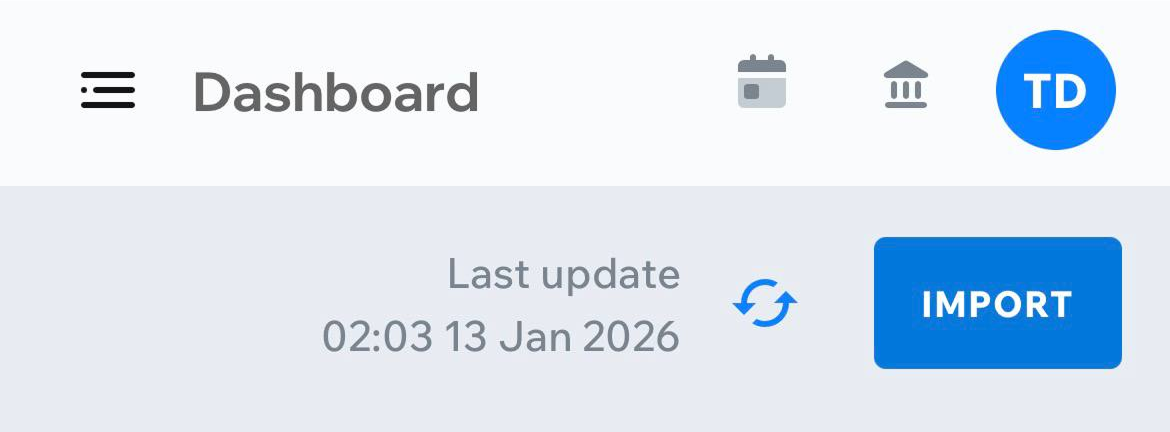
You can see the last synchronization time directly on the Dashboard.
The “Last update” text – located right before the Sync button – shows the time of the most recent successful synchronization.
This works the same way on both desktop and mobile.