
How do I switch between accounts?
You can switch between accounts from the top navigation bar.
- Click the account selector (e.g., “Demo Account”).
- Select the account you want to use.
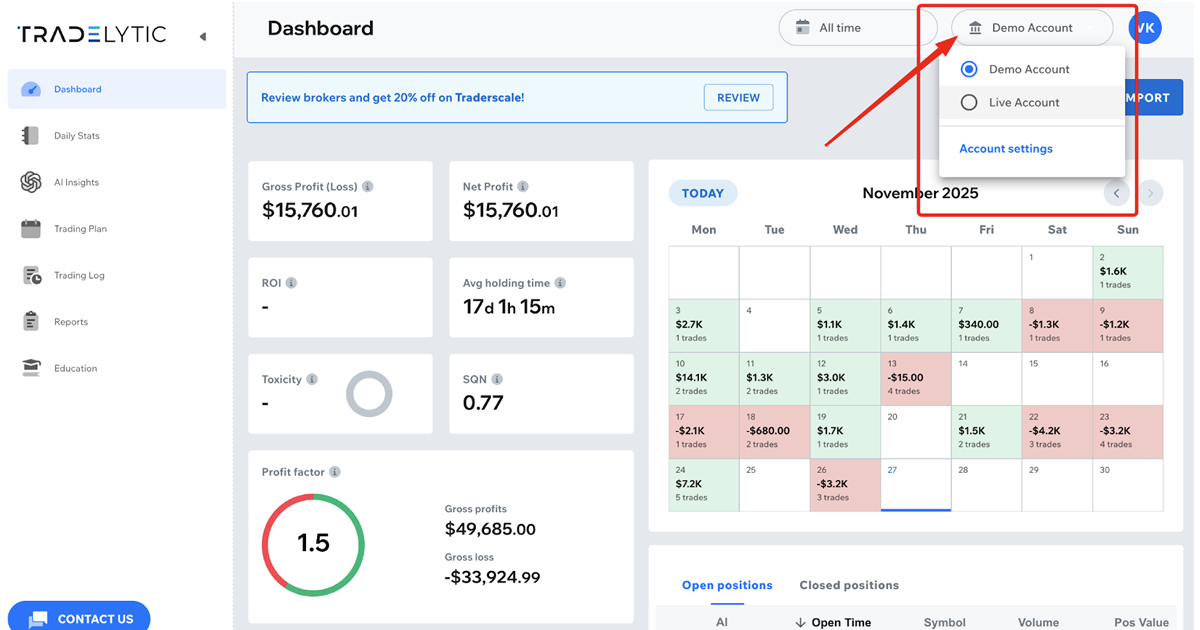
The dashboard, trading log, and reports will instantly update based on the selected account.