Adding a new account
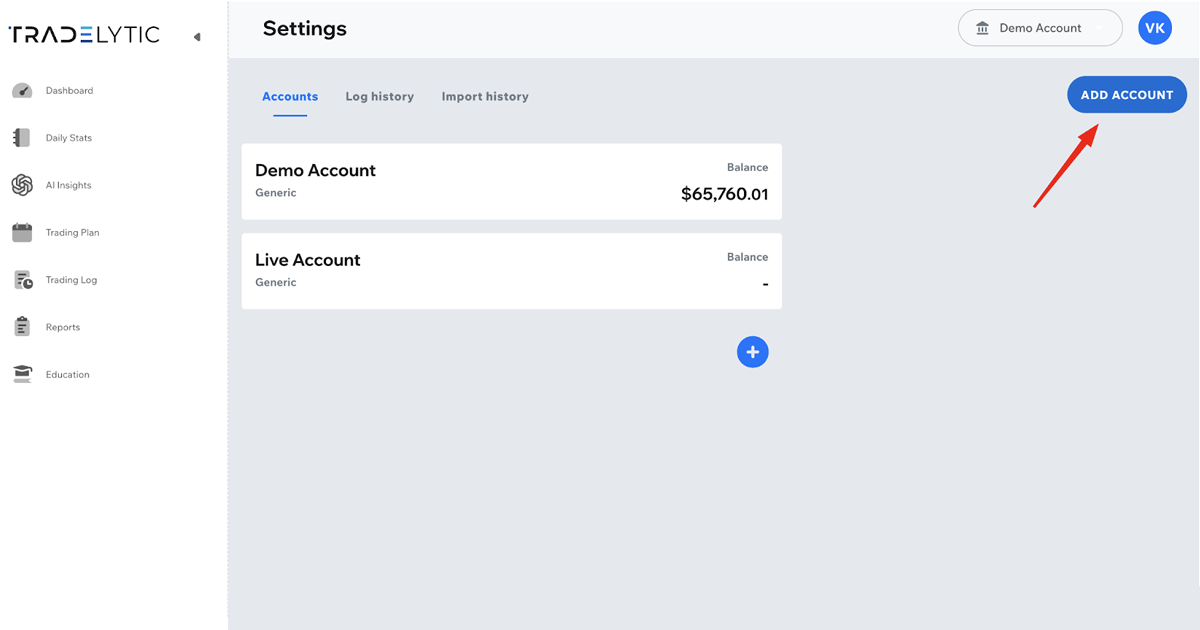
To add a new trading account:
- Open the Account selector in the top-right corner.
- Click Account settings.
- Go to the Accounts tab.
- Click Add Account (or the blue “+” button).
- Choose the account type (MT5, Generic, etc.) and complete the setup.
Your new account will appear in the account list and will be available for switching immediately.
